
This week we looked at the modulo operator with respect to creating repeating patterns.
The modulo operator returns the remainder of a division. This is useful for transforming a linear count into a repeating sequence.
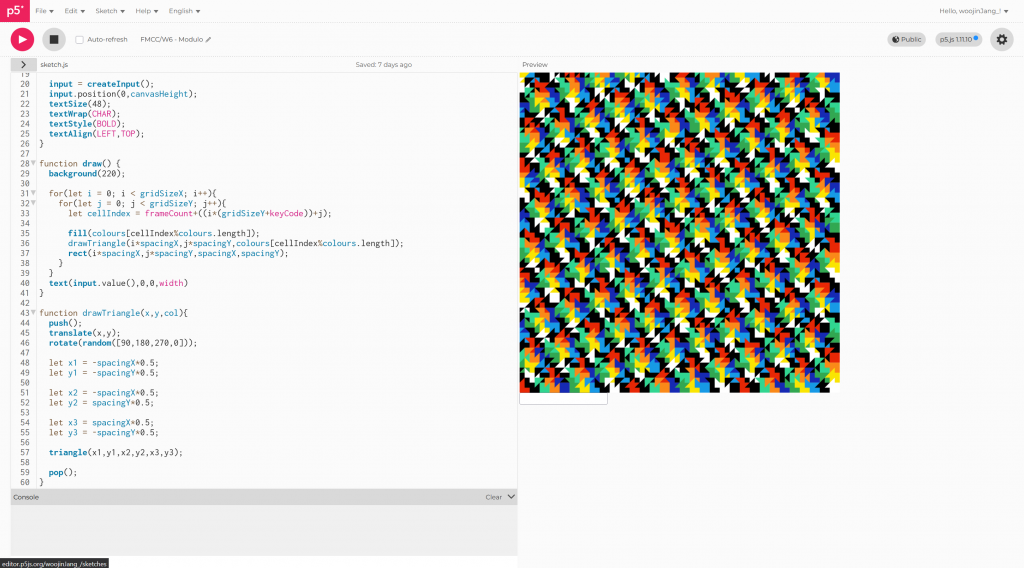
Following the demo, I created an interesting pattern, it transforms the index number of the grid to a repeating set of colours.
Angels
I was tasked with making a pattern with a central composition so I decided to make an angel. Creating eyes would be an interesting challenge with primitives.
I decided I would draw a circular eyeball, the pupil and then two eyelids on top. The eyelids would be the most difficult part.
function drawEye(eyeX,eyeY,eyeWidth,pupilWidth,pupil,sclera,eyelid){
  ellipseMode(CENTER);
  let lookAtMouse = createVector(mouseX-eyeX,mouseY-eyeY);
  lookAtMouse.mult(0.1);
  lookAtMouse.limit((eyeWidth*0.5)-(pupilWidth*0.5));

  fill(sclera);
  circle(eyeX,eyeY,eyeWidth);
  fill(pupil);
  circle(eyeX+lookAtMouse.x,eyeY+lookAtMouse.y,pupilWidth);

  let radius = eyeWidth*0.6;
  let start = createVector(eyeX-radius,eyeY);
  let end = createVector(eyeX+radius,eyeY);

  //line(start.x, start.y, end.x, end.y)
  drawArc(start,end,radius,1,eyelid);
  drawArc(end,start,radius,-1,eyelid);
}
The drawEye() function takes x,y coordinates, eye and pupil width, and colour values for the pupil, sclera and eyelids.
I separated drawing the eyelids into a new function which I repurposed from an old project.
function drawArc(start,end,radius,flip,col){
  //get distance components
  let x = end.x-start.x;
  let y = end.y-start.y;
  //get angle
  let angle = atan2(y,x);
  //get distance
  let distance = sqrt(x*x+y*y);

  let sweep, centre;
  if((2*radius)+0.1>=distance){
    //find sweep angle
    sweep = asin(distance/(2.4*radius));
    //height from chord to centre
    let hei = radius*cos(sweep);
    //get centre point
    centre = createVector(
      start.x + x/2 - hei*(y/distance),
      start.y + y/2 + hei*(x/distance));
  }
  let startangle = angle - sweep - (90 * (PI / 180));
  let stopangle = angle + sweep - (90 * (PI / 180));

  //draw eyelid:
  noStroke();
  fill(col);
  beginShape();
  vertex(centre.x-(radius*flip),centre.y-(1.4*radius*flip));
  let length = 16;
  for(let i = 0; i < length; i++){
    vertex(
      centre.x + radius * cos(startangle+sweep*2*(i/(max(1,length-1)))),
      centre.y + radius * sin(startangle+sweep*2*(i/(max(1,length-1))))
    );
  }
  vertex(centre.x+(radius*flip),centre.y-(1.4*radius*flip));
  endShape();
  strokeWeight(1);
}
Drawing the eyelid is complicated because I have to define a curve that matches the width of the eye and then create a shape that follows that curve.

Drawing an eye now gives this. The eyelid colour can be matched to the background.
Tempus Fugit
After experimenting with drawing rings of eyes, I decided to make a clock.
//seconds
let eyesCount = 60;
for(let i = 0; i < eyesCount; i++){
  let rad = 390;
  let cx = width/2 + rad*cos(i*(2*PI/eyesCount)-PI*0.5);
  let cy = height/2 + rad*sin(i*(2*PI/eyesCount)-PI*0.5);

  drawEye(cx,cy,30,18,second() == i ? pupilActive:pupilDormant,sclera,bg);
}
//minutes
for(let i = 0; i < eyesCount; i++){
  let rad = 340;
  let cx = width/2 + rad*cos(i*(2*PI/eyesCount)-PI*0.5);
  let cy = height/2 + rad*sin(i*(2*PI/eyesCount)-PI*0.5);

  drawEye(cx,cy,30,18,minute() == i ? pupilActive:pupilDormant,sclera,bg);
}...
I used for loops to draw eyes for every second, minute, hour, day and month in rings.
Styles
I defined a set of palettes that the user could swap through by clicking the screen. (This is where I incorporated the modulo operator).
class style{
  constructor(bg,txt,pupilDormant,pupilActive,sclera,phrase = 'Tempus Fugit',font = 'Georgia'){
    this.bg = bg;
    this.txt = txt;
    this.pupilDormant = pupilDormant;
    this.pupilActive = pupilActive;
    this.sclera = sclera;
    this.phrase = phrase;
    this.font = font;
  }
}

const styles = [
  new style('#000000','#FFFFFF','#D5D5D5','#000000','#FFFFFF'),
  new style('#872F43','#EDB223','#D55A4F','#32D386','#EDB223','Eyes On The Time'),
  new style('#195C64','#D44412','#39AAB9','#D44412','#F6BB27','Aquí y Ahora'),
  new style('#AEA66E','#252D2E','#868366','#252D2E','#F1F1D6','Memento Mori'),
  new style('#1B2315','#E42228','#E8962B','#E42228','#6B911F','The World Will Turn'),
  new style('#FFFFFF','#000000','#000000','#CD2E3A','#0F64CD','시간이 흘른다','Noto Serif KR'),
  new style('#FDF7FA','#D67AB1','#D67AB1','#A8DCD9','#E2A3C7','物の哀れ','Noto Serif JP'),
]
let styleIndex = 0;
To choose colours I used Coolers, as well as designing some palettes of my own.
Final
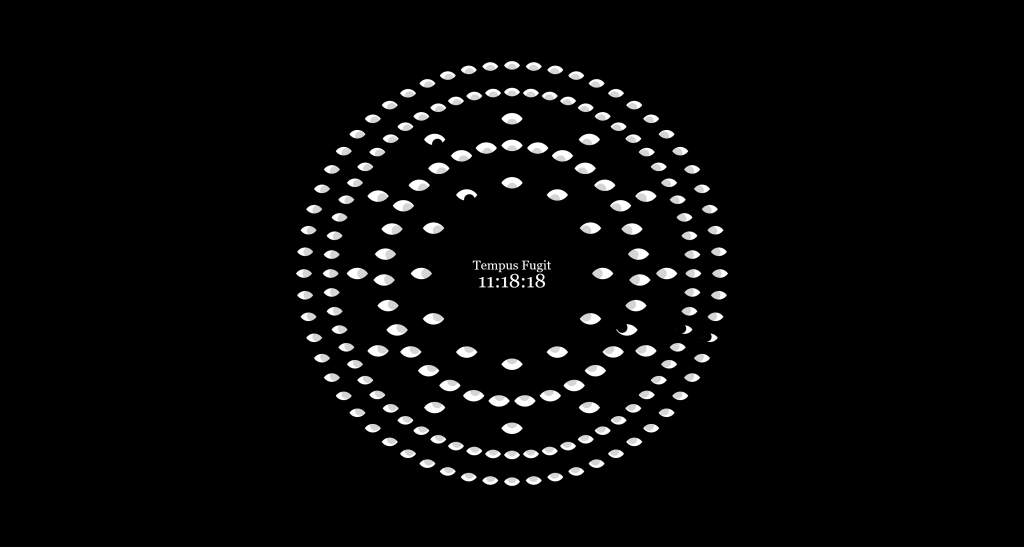
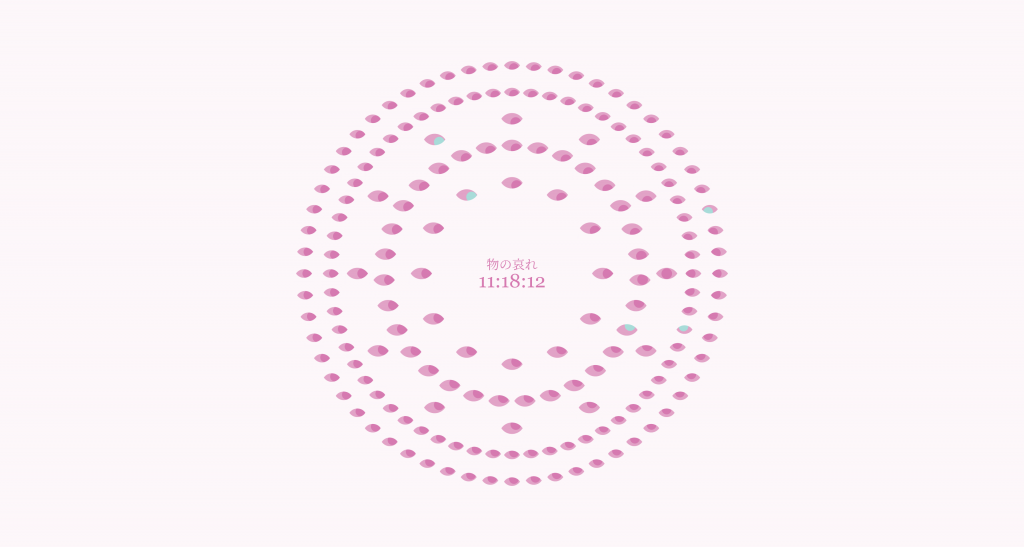
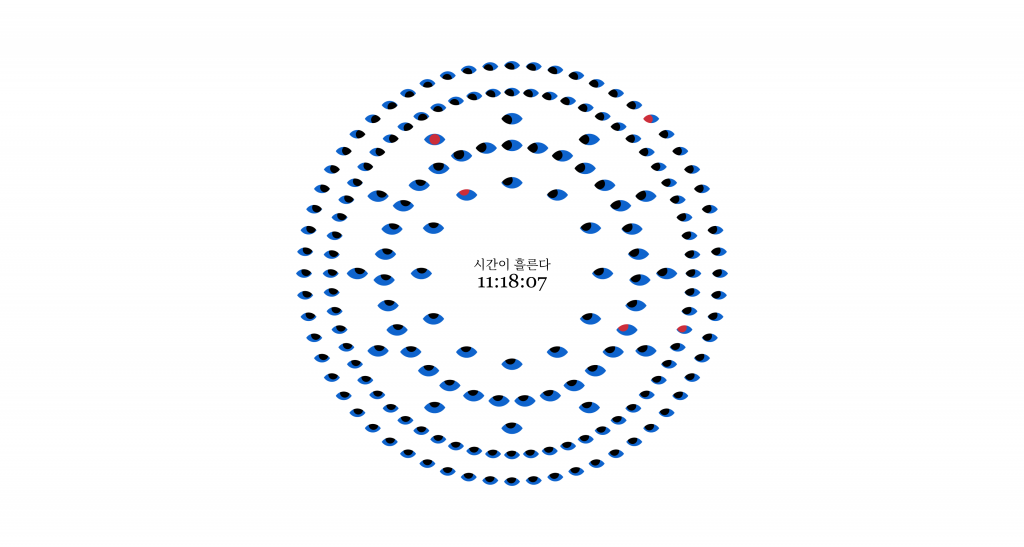
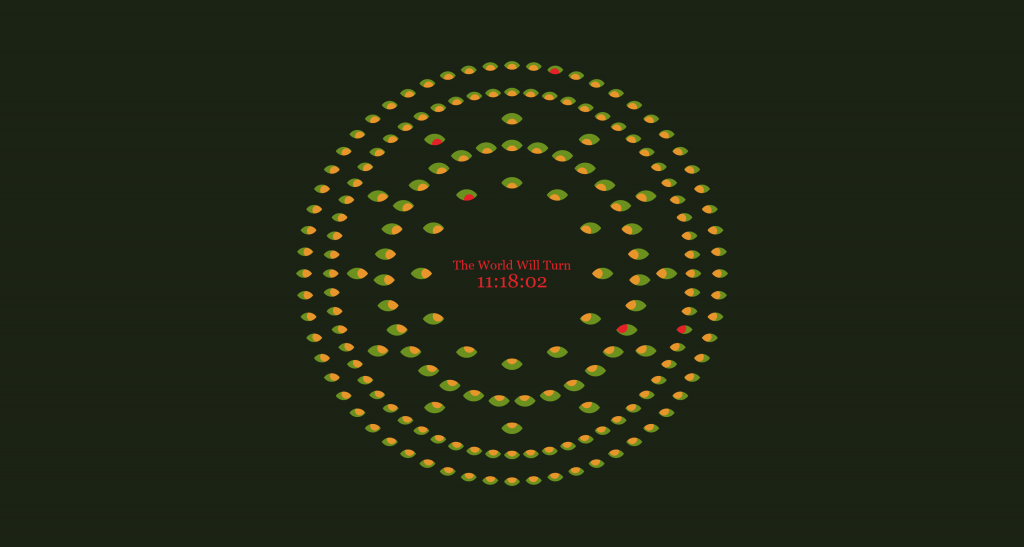
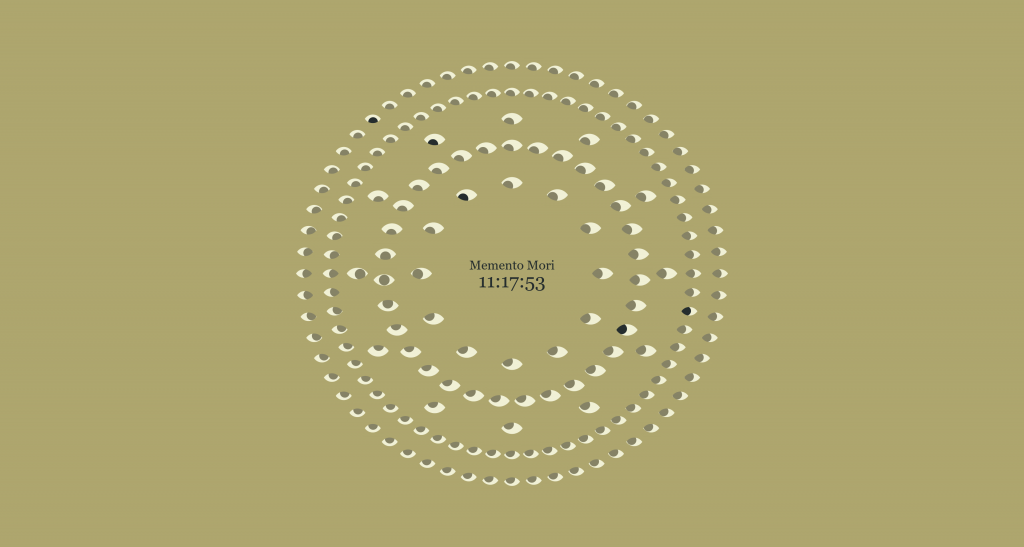
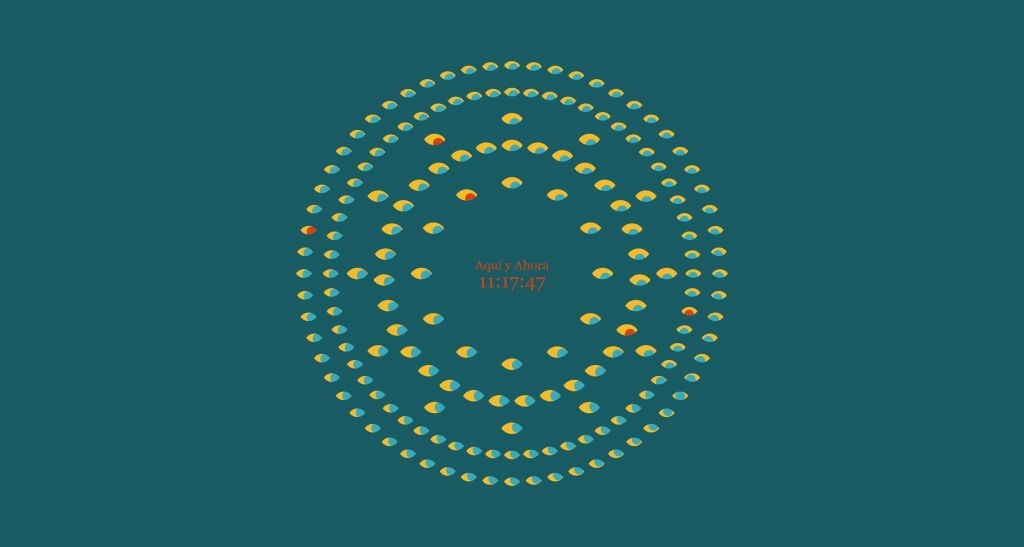
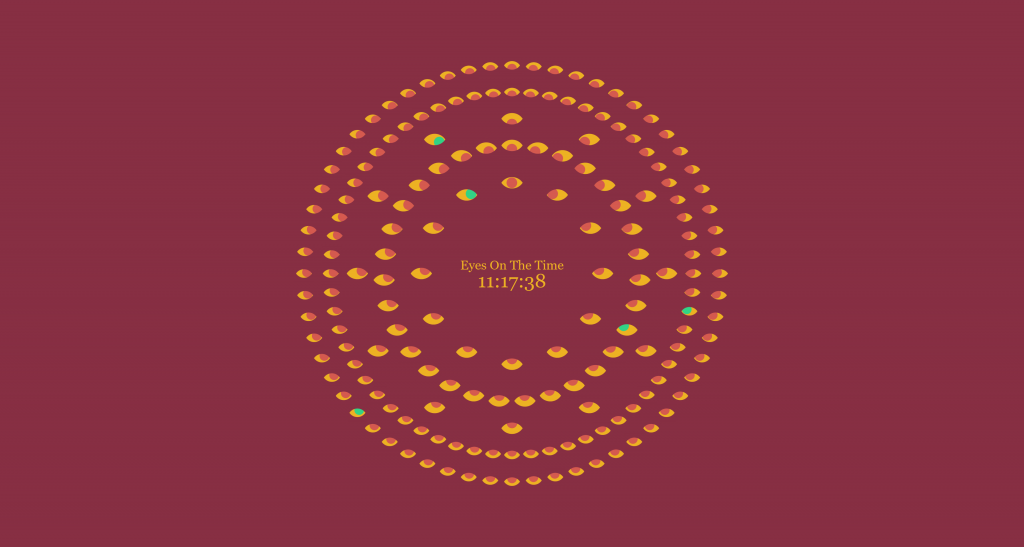
This clock is available here:
Leave a Reply